Equipment support
Parts, Service, and Equipment Information in One Place
Get parts, schedule service, or find a manual for your equipment. Our teams at 12 California stores are here to help.
Choose the Support You Need
Your local branch can help with parts availability, service appointments, and questions about your equipment.
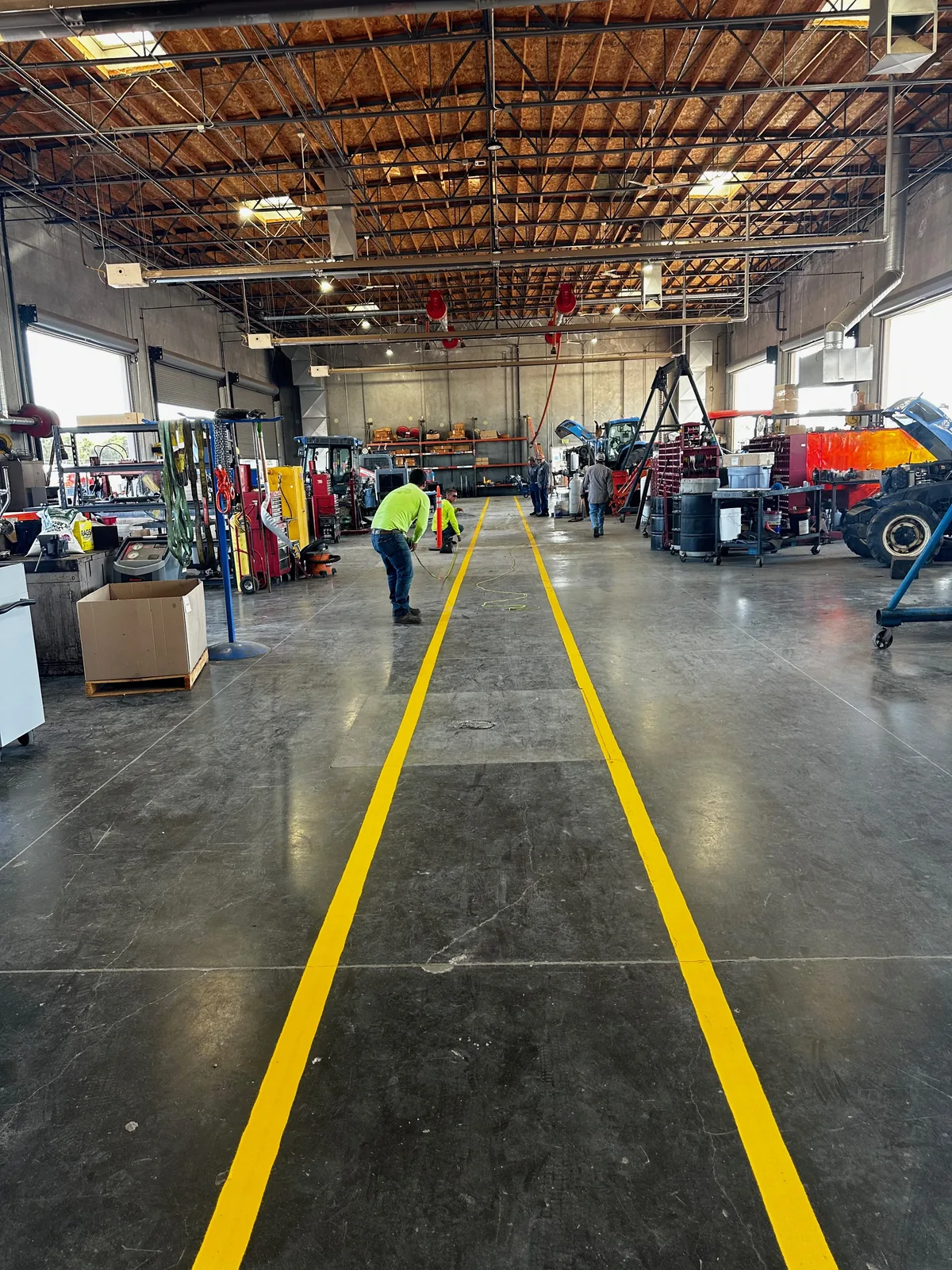
Shop service
Bring your equipment to Garton for inspections, diagnostics, maintenance, and repairs. Contact your branch for an estimate and appointment.
Field service
Need service at your farm or jobsite? Ask your local branch about field service in your area.
Operator manuals
Find operator manuals by brand and model. Check that the edition matches your machine before using it.
Product brochures
Find equipment features and specifications in manufacturer brochures, including literature for older models.
Construction support
Get help with construction equipment parts, service, rentals, and manuals.
MyDealer account access
Sign in to view your account and equipment information, or ask us to set up your MyDealer access.
Find a store
Find hours, directions, and phone numbers for our 12 California locations.
Warranty questions
Ask Your Service Team About Warranty Coverage
Warranty coverage depends on the manufacturer, machine history, and repair. Your service team can explain what is covered and which records you need.